

In today’s digital landscape, a secure wireless network is the backbone of any successful small business. With remote work and mobile devices becoming standard operational tools, an unprotected Wi-Fi network creates significant vulnerabilities. Cybercriminals frequently target small business Wi-Fi networks to intercept sensitive data, steal employee credentials, or breach corporate databases.
Implementing robust Wi-Fi security protocols is neither complex nor expensive. By following these seven essential security measures, you can protect your company’s network and safeguard valuable business assets.
1. Separate Corporate and Guest Networks
One of the most effective ways to secure your wireless environment is network segmentation. Never allow clients, visitors, or non-company devices to connect to the primary business network.
- Create a Dedicated Guest SSID: Set up an isolated Service Set Identifier (SSID) strictly for guests.
- Restrict Access Limits: Ensure the guest network cannot communicate with local servers, shared network printers, or internal employee devices.
- Enforce Password Updates: Rotate guest network access passwords regularly to prevent unauthorized long-term access.
2. Upgrade to WPA3 Security Encryption
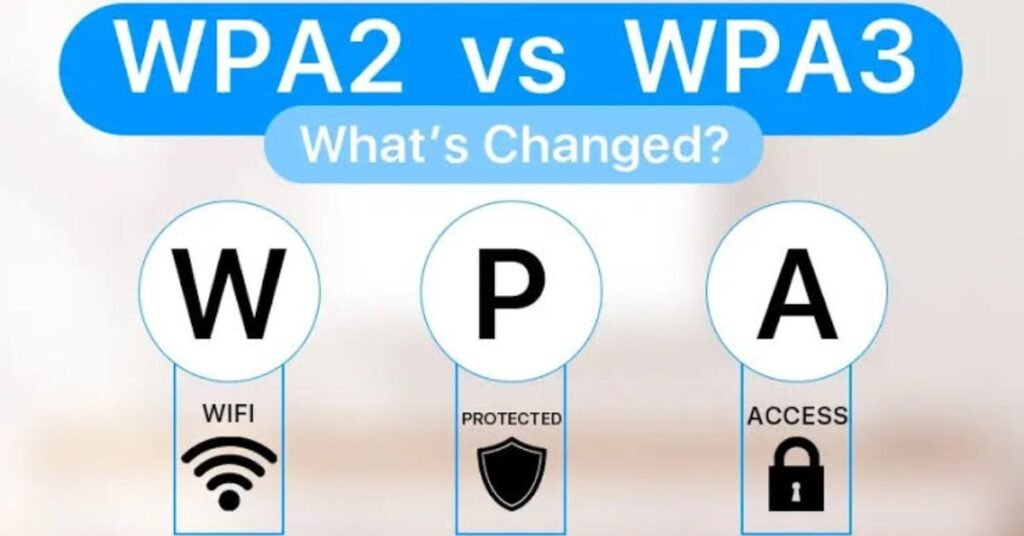
Outdated encryption standards like WEP or WPA2 are vulnerable to modern automated cyberattacks. Upgrading your router settings to WPA3 Enterprise provides stronger encryption algorithms and protects against brute-force password guessing.
If your legacy hardware does not support WPA3, ensure all access points run on WPA2-Enterprise mode rather than the basic WPA2-Personal (PSK) setup.
3. Disable WPS and Remote Management Features
Wi-Fi Protected Setup (WPS) was designed for quick device connections, but it presents a major security risk. Attackers can easily crack WPS PINs within hours using basic penetration testing tools.
- Turn Off WPS: Navigate to your router’s administration console and disable WPS entirely.
- Disable Remote Management: Ensure administrative controls can only be accessed via a physical, wired Ethernet connection rather than wireless channels.
4. Implement MAC Address Filtering
Every network interface card (NIC) possesses a unique hardware identifier known as a Media Access Control (MAC) address. Enabling MAC filtering on your wireless router ensures that only pre-approved corporate devices can establish a connection.
While MAC address filtering should not be your sole security layer, it adds an effective physical barrier against unauthorized hardware attempting to join your network.
5. Keep Router Firmware Consistently Updated
Cybercriminals frequently exploit known vulnerabilities in router firmware to gain unauthorized network access. Manufacturers regularly release patch updates to address these zero-day threats.
- Schedule monthly reviews of all network hardware devices.
- Enable automatic firmware updates whenever supported by the router hardware.
- Replace obsolete routing hardware that no longer receives security updates from the manufacturer.
Wi-Fi Security Checklist for Small Offices
| Security Action | Priority Level | Recommended Frequency |
| Guest Network Isolation | High | One-time setup |
| Default Password Modification | Critical | Immediate |
| Firmware Update Audit | High | Monthly |
| WPA3 Encryption Setup | High | One-time setup |
| WPS Disablement | Critical | Immediate |
6. Enforce Strong Admin Passwords and Network SSIDs
Default router passwords (such as “admin” or “1234”) are public knowledge and represent the easiest entry point for attackers.
Always change factory default credentials immediately upon router installation. Furthermore, avoid naming your Wi-Fi network (SSID) after your business name or physical address, as this clearly identifies your network to nearby malicious actors.
7. Deploy Virtual Private Networks (VPNs) for Remote Staff
When employees work remotely or connect via public Wi-Fi networks, corporate communications can be exposed to interception. Requiring staff to use a business-grade Virtual Private Network (VPN) ensures all network traffic is encrypted end-to-end before reaching the corporate server.
Conclusion
Securing your small business Wi-Fi network is a continuous process that requires a proactive defense strategy. By isolating guest networks, updating router firmware, and enforcing strong encryption standards like WPA3, you significantly reduce the risk of unauthorized network intrusions. Protecting your network perimeters today ensures long-term business continuity and data safety.