
Managing credentials across multiple employees is one of the most challenging security tasks for growing small businesses. Using weak passwords, writing them on sticky notes, or sharing credentials via unencrypted chat applications leaves your company vulnerable to cyberattacks and account takeovers.
A dedicated business password manager allows teams to generate, store, and share complex credentials securely from a centralized dashboard without exposing raw passwords.
In this guide, we evaluate the 5 best password managers for small business teams in 2026 based on security standards, admin controls, and value for money.
Why Small Businesses Need a Dedicated Password Manager
Using personal password vaults or browser-based password saving is insufficient for organizational security. Business-grade credential managers provide essential team features:
- Centralized Access Control: Easily grant or revoke employee access to corporate software when roles change or during employee offboarding.
- Encrypted Vault Sharing: Share credentials with specific departments (e.g., Marketing, Accounting) without revealing the actual plain-text passwords.
- Dark Web Monitoring: Receive immediate alerts if employee corporate email credentials appear in public data breaches.
- Enforced Master Password Rules: Set organizational policies requiring strong master keys and mandatory Multi-Factor Authentication (MFA).
Top 5 Password Managers for Small Business Teams
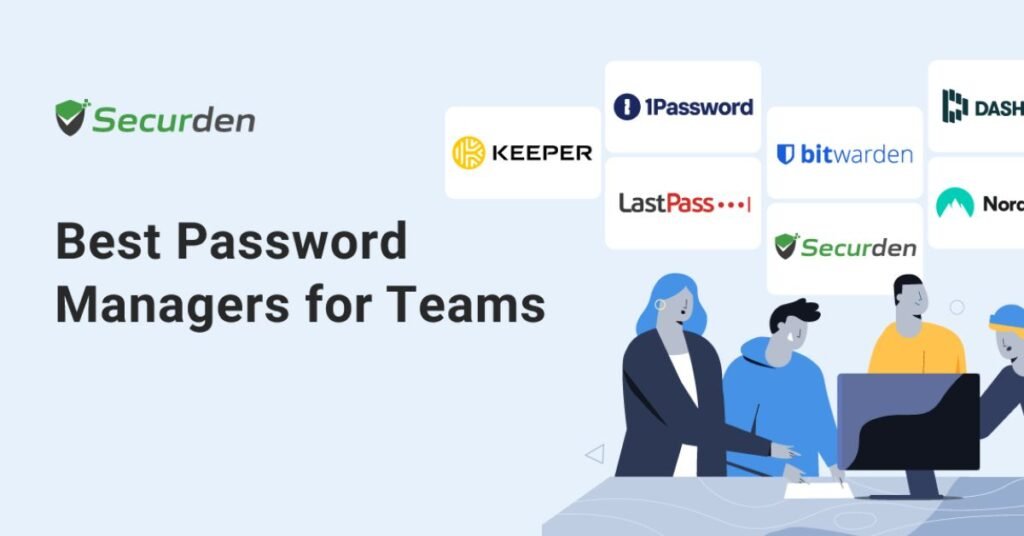
1. 1Password for Business
Best Overall for Security & Admin Controls
1Password is widely considered the gold standard for enterprise and small business credential management. Its proprietary Security Key technology combined with master passwords provides dual-layer vault encryption.
- Key Features: Watchtower breach monitoring, custom role permissions, secure document storage, and guest access vaults.
- Pros: Highly intuitive UI, exceptional browser extensions, strong administrative controls.
- Cons: Slightly higher price point compared to open-source alternatives.
- Best For: Growing teams looking for a reliable, highly secure platform.
2. Bitwarden Teams & Enterprise
Best Open-Source & Budget-Friendly Option
Bitwarden offers an open-source architecture that provides high transparency and competitive pricing. It delivers robust zero-knowledge encryption features without charging premium rates per user seat.
- Key Features: End-to-end zero-knowledge encryption, self-hosting options, health reports, and unlimited device syncing.
- Pros: Extremely cost-effective, fully open-source code audit transparency.
- Cons: Interface is functional but less refined than competitors.
- Best For: Tech-savvy teams and budget-conscious small businesses.
3. Dashlane for Business
Best for Built-in Employee Privacy Tools
Dashlane balances credential security with extra employee privacy features. It offers an easy-to-use interface coupled with automated password changers and dark web scanning tools.
- Key Features: Built-in team VPN for secure browsing, real-time phishing alerts, and single sign-on (SSO) support.
- Pros: Includes a bundled VPN for remote team members, clean mobile apps.
- Cons: Storage limits on certain lower-tier business plans.
- Best For: Remote teams needing extra connection privacy tools.
4. Keeper Business Security
Best for Strict Compliance & Audit Logs
Keeper Security provides a high level of administrative oversight, making it ideal for businesses operating in regulated sectors like finance, insurance, or healthcare.
- Key Features: Granular admin roles, dark web monitoring (BreachWatch), encrypted messaging, and detailed compliance logs.
- Pros: Comprehensive audit logs, excellent customer support, zero-trust architecture.
- Cons: Advanced features like BreachWatch are sold as add-on modules.
- Best For: Businesses requiring strict compliance tracking and detailed reporting.
5. NordPass Business
Best for Simplicity and Fast Deployment
From the creators of NordVPN, NordPass utilizes the modern XChaCha20 encryption algorithm. It focuses on offering a lightweight, fast, and simple user experience for non-technical employees.
- Key Features: XChaCha20 encryption, biometric authentication, corporate data breach scanner, and simple item sharing.
- Pros: Modern UI, fast performance, very simple deployment for new users.
- Cons: Fewer custom integration options for complex IT environments.
- Best For: Micro-teams and non-technical staff needing a simple solution.
Business Password Manager Comparison Table
| Platform | Primary Focus | Open Source | Built-in VPN | Admin Controls |
| 1Password | Advanced Security & Control | No | No | Excellent |
| Bitwarden | Value & Transparency | Yes | No | Great |
| Dashlane | All-in-One Privacy | No | Yes | Good |
| Keeper | Compliance & Audit Logs | No | No | Excellent |
| NordPass | Simplicity & Speed | No | No | Good |
How to Roll Out a Password Manager to Your Team
- Mandate Multi-Factor Authentication (MFA): Ensure every employee enables MFA (authenticator app or hardware key) on their main password manager vault.
- Phase Out Browser Password Savings: Disable built-in password saving on Chrome, Edge, and Safari across company workstations to prevent local credential theft.
- Conduct Offboarding Audits: Whenever an employee leaves the company, revoke their master vault access immediately via the central admin panel.
Conclusion
Continuing to manage business passwords manually or through unencrypted channels poses a serious threat to your data safety. Solutions like 1Password and Bitwarden allow small business teams to secure their credentials, streamline access, and significantly lower the risk of unauthorized breaches.
FAQs:
- Q: Is a business password manager better than saving passwords in a web browser?
- A: Yes. Web browsers store credentials locally and are vulnerable to info-stealer malware. Business password managers use centralized, zero-knowledge encryption and allow admins to revoke employee access instantly.
- Q: Can a password manager admin see my master password?
- A: No. Reliable password managers operate on a zero-knowledge architecture, meaning master passwords are never stored on company servers or visible to account administrators.
- Q: What happens if an employee leaves the company?
- A: The admin can immediately revoke that employee’s access from the central dashboard, preventing them from accessing shared company vaults on personal devices.
- Q: Are open-source password managers like Bitwarden safe for business?
- A: Yes, open-source software is widely considered very secure because its code is publicly audited by independent security experts to identify and fix vulnerabilities quickly.
- Q: How much do business password managers cost?
- A: Most business password managers cost between $3 to $8 per user per month, depending on administrative features, SSO integrations, and compliance reporting tools.